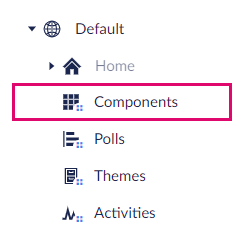
In the menu of Dialogue you will find the item 'Home' and below that the option 'Components'. Here you will find the tabs that you can place on a page. Here you can for example post a news update or share results.
Create component
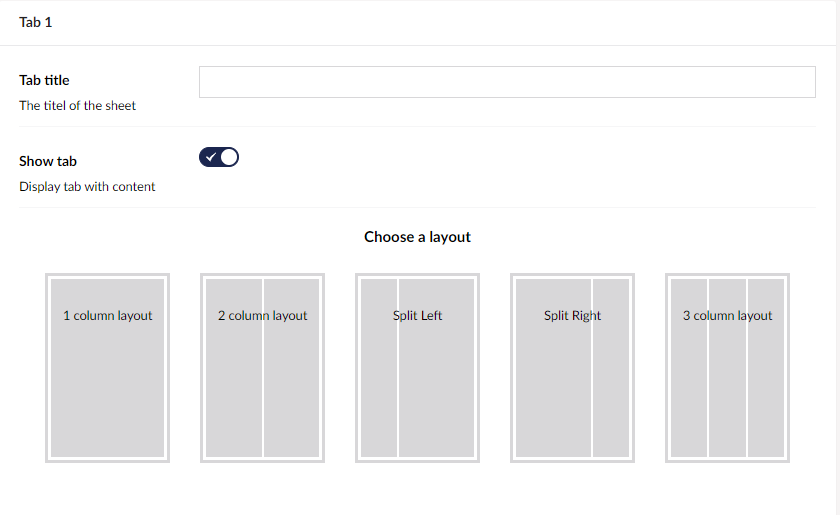
- Click on 'New Tabs'.
- At 'Title', give a title to the tab. This is visible to community members.
- Choose the tab layout. The 'Split' is often chosen here Left' or 'Split Right' option. Fill the tab with the desired content block.
- Repeat these steps. You can create a maximum of 4 tabs.
- Click 'Save and Publish'.